

KYC Verification and Account Requirements
Account verification helps establish who owns an account and whether the details provided are accurate. At Get Cricket ID, our Online Cricket Id KYC information explains what you may be asked to submit, how to prepare documents and where to seek help if a verification request remains incomplete.
KYC requirements are set by the provider managing your account. Check its current instructions before submitting personal information, as accepted documents and verification steps can differ.
What Is KYC?
KYC stands for “Know Your Customer.” It is a process used to check a customer’s identity and, where required, other account information.
The process may involve confirming your name, date of birth, address or ownership of a payment method. A provider may also request additional information to review discrepancies or meet its applicable obligations.
An OTP confirms access to a phone number or email address. It does not necessarily complete identity verification.
When Might Verification Be Required?
Your account provider may request verification during registration, before enabling particular features or when reviewing a withdrawal.
Further checks may also be requested after a change to registered details, an account recovery request or a payment-information mismatch.
Check the request inside your account or confirm it through the provider’s published support channel. Do not assume that a document request received from an unknown contact is genuine.
Information You May Need to Verify
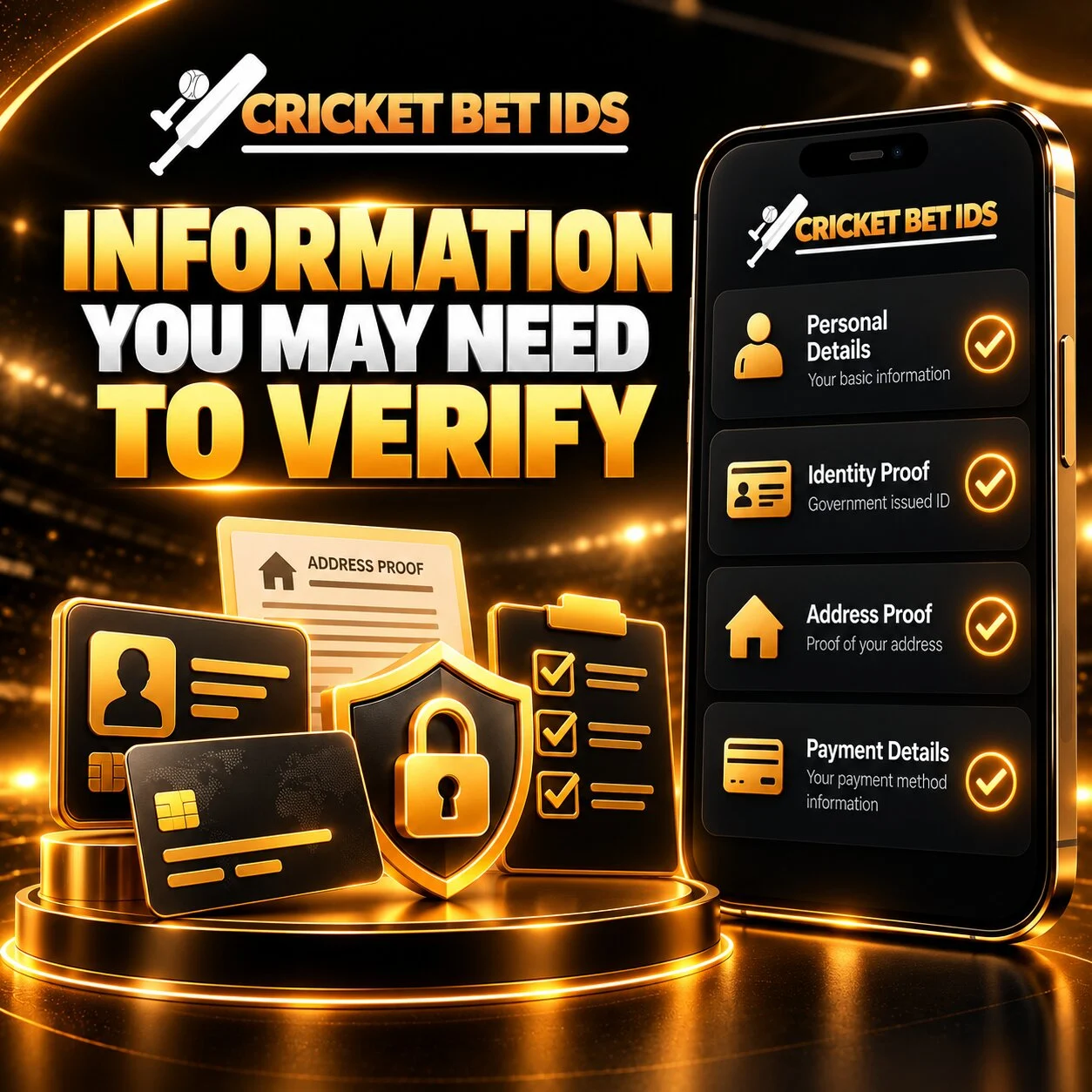
Identity Details
The provider may ask you to confirm your registered name and date of birth using an accepted identity document.
Use your own accurate details. If your account information contains an error, ask how to correct it before submitting documents.
Address Details
Proof of address may be requested where the provider’s process requires it. Its instructions should explain which documents are accepted and whether they must have been issued within a particular period.
Payment Ownership
Some checks may require evidence that the payment method belongs to the account holder. Confirm the exact information needed and whether unrelated transactions or sensitive fields can be hidden.
Additional Checks
A provider may request a photograph, selfie or other ownership check through its approved process. Complete only the steps described in the official instructions.
Which Documents Are Accepted?
The account provider must confirm its accepted document list. Do not assume that every government-issued document is suitable for every verification request.
| Verification purpose | What to confirm before submission |
|---|---|
| Identity | Accepted document type, validity and required sides |
| Address | Accepted records and any issue-date requirement |
| Payment ownership | Required account details and permitted redactions |
| Photograph or selfie | Required format and official capture process |
| Additional review | Reason for the request and designated submission channel |
Use only the documents specifically requested. Sending extra records can expose more personal information without helping the review.
How to Complete KYC Verification
Step 1: Confirm the Request
Sign in through the verified account destination and read the verification notice. If the request arrived through a message, confirm it with the provider before sending anything.
Step 2: Review the Requirements
Check the accepted documents, file formats, size limits and image-quality instructions. Read the provider’s privacy information to understand who receives your records.
Step 3: Prepare Clear Documents
Make sure the required information is readable and the document is valid. Include all required edges and sides without glare or obstruction.
Do not change names, dates or other document details. Apply redactions only where the provider expressly permits them.
Step 4: Use the Designated Submission Channel
Upload documents through the official account area or another channel explicitly designated by the provider.
Avoid public groups, unrelated contacts or upload links that you cannot verify.
Step 5: Review the Submission
Check that each file corresponds to the requested document and account holder. Correct an accidental upload through the provider’s approved process.
Step 6: Track the Status
Keep the submission reference or confirmation, if provided. Review your account for a status update or further information request.
Common Reasons Verification Remains Incomplete
Blurred or Cropped Images
A reviewer may be unable to read essential information if the image is blurred, cut off or affected by glare. Submit a clearer copy when requested.
Incorrect Document Type
A valid document can still be unsuitable for a particular check. Follow the accepted list rather than choosing a document based only on its availability.
Expired Documents
Where validity is required, an expired document may not be accepted. Check the provider’s instructions before uploading it.
Account and Document Details Do Not Match
Differences in names, dates or other registered information may require clarification. Contact support about the discrepancy instead of altering the document.
Missing Files or Information
Some requests require both sides of a document or more than one verification step. Read the complete request and check for outstanding items.
Payment Details Need Clarification
A difference between the account holder and payment details may require further review. Ask the provider what evidence is needed.
Understanding Your Verification Status
Status labels vary between providers, but you may encounter the following:
| Status | Possible meaning |
|---|---|
| Not started | Required information has not been submitted |
| Submitted | Files have been received |
| Under review | The provider is checking the information |
| Action required | A correction or additional record is needed |
| Verified | The stated check has been completed |
| Unsuccessful | The submission did not satisfy the requirements |
Read any accompanying message. A status label alone may not explain the next step.
KYC and Withdrawals
A withdrawal may depend on completion of the provider’s required verification checks. Review those conditions before requesting a payout.
If a withdrawal is pending, check whether your account shows an outstanding KYC request. Keep the withdrawal reference separate from any verification submission reference.
Completing KYC does not guarantee immediate payment. Other account or payment checks may still apply.
Protecting Your Documents and Personal Information
Before submitting KYC documents for your Online Cricket Id, confirm who is requesting them, why they are required and which submission method is approved. Use the account provider’s verified channels and avoid sending identity documents through unknown links or unconfirmed messaging accounts.
Share only the documents required for the stated verification purpose. Review the provider’s privacy policy to understand how your information is stored, accessed, shared and retained. If you want to mask unrelated details or add a watermark, confirm whether this is accepted before changing the document image.
Never share passwords, OTPs, UPI PINs or banking authentication details during verification. If someone requests an unexplained payment to approve KYC or release a withdrawal, pause and verify the request independently through the account provider’s published support channels.
Correcting Details or Repeating Verification
If your registered name, contact information, address or other account details are incorrect or outdated, contact the provider through its approved support process. Explain the correction needed and ask which supporting documents are required rather than creating another account to resolve the issue.
Verification may need to be repeated when documents expire, important personal details change or previously submitted information requires clarification. If a document is rejected, check the stated reason and correct issues such as unreadable text, cropped images or mismatched account details before resubmitting.
Submit updates through the approved channel and retain the request reference and relevant correspondence. Ask whether the review affects account access or transactions, and check that the corrected information appears once the provider confirms completion.
Need Help with KYC?
Contact the provider managing your account for decisions about accepted documents, review outcomes or account restrictions.
For help understanding the instructions, use the contact channel published on getcricketids.com. Describe the requirement or error message without sending sensitive documents in your initial enquiry.

